As Columbia Business School Executive Education rapidly expanded its online portfolio, one challenge emerged alongside its success: the need for a thoughtful, scalable content management strategy.
Who is Columbia Business School Executive Education?
Columbia Business School Executive Education (CBSEE) equips leaders across industries with the tools, frameworks, and insights to lead at the highest level.
Designed for experienced professionals and senior executives, CBSEE offers more than 40 non-degree, open-enrollment programs spanning leadership, strategy and innovation, finance and investing, marketing, and beyond. Programs are delivered in person, live online, and on-demand, and include a distinctive certificate pathway as well as tailored custom program experiences.
📍 Location
New York, New York
🏢 Industry
Higher education
📅 Timeframe
2022–2023
The challenges
The accelerated growth of the CBSEE online portfolio produced thousands of video assets and supplemental program materials. Over time, fragmented recordkeeping, inconsistent storage practices, and shifting teams dispersed these assets across multiple systems, including shared network drives, cloud-based platforms, and physical hard drives.
Inaccurate or missing metadata restricted asset discoverability, forcing team members to rely on file names to locate content. Without a centralized, data-rich source of truth, valuable time was spent searching for assets instead of strategically leveraging them. This lack of portfolio-level visibility also made it difficult to identify content gaps and inhibited the development of tailored solutions for clients.
Key obstacles
- Rapid growth dispersed thousands of assets across multiple systems
- Missing metadata made discovery inefficient
- Limited portfolio visibility obscured content gaps

My role
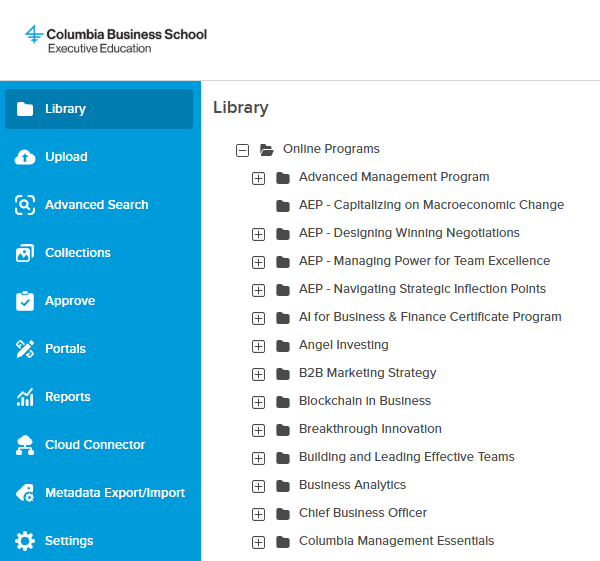
As project lead, I identified the need for a modern content management solution and spearheaded the selection and implementation of a cloud-based Digital Asset Management (DAM) system to address inefficient asset organization and discovery gaps.
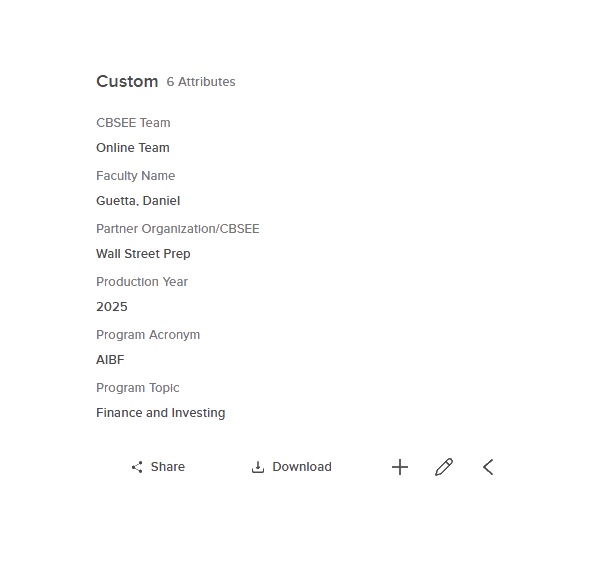
I also led the metadata strategy, personally designing the taxonomy framework with core categories. This centralized a scattered asset ecosystem, improved workflow efficiency, enabled content reuse, and simplified external sharing.
The results

Centralized access
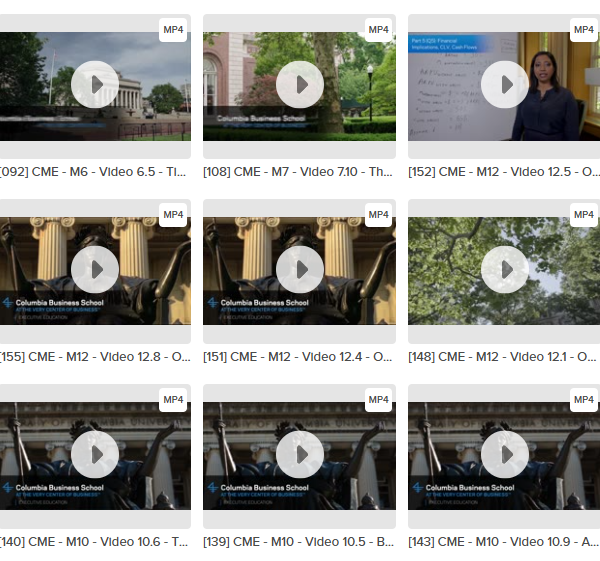
Consolidated thousands of video assets into a single content library, removing barriers to access
Portfolio clarity
Gained full portfolio visibility through analytics and metadata, enabling the team to understand existing assets and pinpoint gaps
Administrative efficiency
Streamlined content management tasks, freeing the team to focus on creating high-quality educational content
Faster discovery
AI-generated transcripts enabled searching within video content, allowing the team to locate relevant clips quickly
Content governance
Gave team direct ownership of content, enabling independent management of access, expiration dates, and sharing permissions
Cost savings
Repurposing assets cut content creation costs
2 TB
Of program materials centralized for easy access
7,000+
Assets consolidated, including videos, supplemental coursework, and data exports
800+
Categories added to metadata, including speaker, production year, topic, and more
Once we had a clear inventory of assets, reuse became not just possible, but strategic. Clarity unlocks opportunity. 🔓
The process
1. Collected and assessed user needs on a team/department level
- Identified stakeholders and defined communication plan
- Designed and distributed user needs survey
- Analyzed survey results
- Created executive summary to prioritize criteria
2. Selected database tool
- Researched database solutions and compared features/pricing
- Shortlisted database options
- Presented recommendations to senior leadership with budget, timeline, and resource requirements
- Selected and implemented database tool
3. Uploaded assets and populated metadata
- Located content library sources
- Uploaded video assets and other supplemental program materials
- Populated assets with key metadata
- Reviewed content library data, highlighting inconsistencies and errors
4. Prepared database for distribution
- Developed user documentation
- Determined training protocols
- Defined maintenance procedures
- Configured user permissions
5. Launched database
- Phase 1: Team launch
- Phase 2: Department-wide rollout
Screenshots